Is there any evidence at all that they have tons of benefits? I thought there was research that said they were mostly myths.
Decades ago I learned dvorak and used it exclusively for about a year. I honestly felt no benefits. If anything it made things more of a pain in the ass because many common commands (e.g. Ctrl-C Ctrl-V) are where they are because of their locations on a qwerty keyboard. You can re-map shortcuts but I still find myself using devices that aren't my own often enough that I find it annoying.
I remember one funny instance where I had to remote desktop into a shared server, and I remapped to dvorak and forgot to change it back, and then when someone else remoted in they thought their keyboard was possessed.
If you are looking at only speed as a benefit, it’s debatable. For ergonomics, absolutely. Look at the hands of someone typing QWERTY, they’re almost bent in half longways for certain key combinations. DVORAK on the other hand allows your hands to stay flat and relaxed.
As someone who has occasional wrist pain and is fluent in both QWERTY and Dvorak, the latter is significantly less painful to type with when my pain is present. I believe that that indicates that it is less strenuous.
Could it be that you get less wrist pain because Dvorak switches things up rather than it being better overall? With mouse use I find that a different grip can alleviate pain not because it's easier on the wrist, but because it's just different from the way I normally use it.
It's possible, but given my experience seems unlikely - I spend the majority of my time using Dvorak, and very little time using QWERTY, so there's not much switching going on. Also, most typing effort models (e.g. carpalx[1]) put Dvorak as significantly lower effort than QWERTY.
I think it'd be more likely to be the switching effect if you were going between two similar-effort layouts (e.g. Dvorak and Colemak).
>Could it be that you get less wrist pain because Dvorak switches things up rather than it being better overall?
No. It's because you don't have to do hand contortions with Dvorak the way you do with qwerty. If you want a demonstration, try typing "minimal" on both, and watch your hands carefully. On qwerty, it's almost all on one hand, and alternating between top and bottom rows. On Dvorak, it's alternating between hands (which is always better). You can see similar things with any English text of decent length: Dvorak makes you alternate between hands far better, and far more of your typing is on the home row (esp. since the vowels are all on the home row).
But is that really good? I can increase my sensivity very high on my mouse, where I barely have to move the mouse. However, this does cause me more pain than low sensitivity instead. High sensitivity makes me move the mouse almost entirely with the wrist, where low sensitivity uses the wrist and forearm.
I don't know if the same applies to typing, but I can see a mechanism where it is.
I learned Colemak in 6 months and I don’t regret it a bit. I don’t have scientific evidence for this, but with Colemak my fingers don’t move anymore most of the time, and when they do it’s a small extension to the upper or lower row. It’s like they are glued to the home row.
When I switch to Qwerty once a month, my fingers are jumping all over the place, and my hands take weird positions to reach those random keys due to them being scattered for every word.
It’s like Qwerty was created to be the most inefficient layout for the users with keys being all over the place for every word (not the fake news about slowing people who use typewriters, it’s really inefficient).
I kind of like the feeling of typing on a QWERTY board with my fingers all over the place. Maybe it’s keeping my fingers strong and limber. What if I switched to Colemak and my fingers atrophied?!
Either you’re joking or you don’t know that bad positions with a keyboard or mouse can break your hands (I’m thinking of carpal tunnel’s syndrome but I’m sure there is more).
Tongue in cheek. I’ve been using emacs with QWERTY coding fulltime for years. Hands doing fine. Just need good seating, monitor, keyswitch spring strength, and hand positioning. Cherry MX brown switches were exhausting.
I'm a longtime dvorak user. The shortcut issue is so bad I had to write software that makes the keyboard layout switch while ctrl/alt is held. I've used at least four different implementations of this, three I wrote myself:
Maintaining this has been a big PITA though, and gets harder as operating systems increasingly don't want to support software intercepting keystrokes for security reasons.
I would not recommend learning dvorak, for this reason.
Colemak avoids this problem by leaving the most-important hotkeys where they are, so might be OK? But I haven't tried it, and I am not really sure how much benefit these alternative layouts really bring, TBH.
This is interesting—my observations on Windows 10 (mostly with a layout arranged via MSKLC) have always been that it does some kind of QWERTY-on-Control thing which I'd actually like to turn off but never found out how to; my keyboard shortcut memory seems to indirect through keysyms in a way loosely symmetrical with how my Cinnamon FDO/Linux desktop handles things, rather than being position-based, with the exception of WASD-like game controls which are positional. Is the main difference with your utility that it handles Alt as well?
Hmm. I haven't actually used a Windows desktop for anything other than gaming in decades. Probably the last time I actually used my remapping tool on Windows was in the XP days. I guess it's possible that Windows 10+ now includes such functionality by default, but this would surprise me.
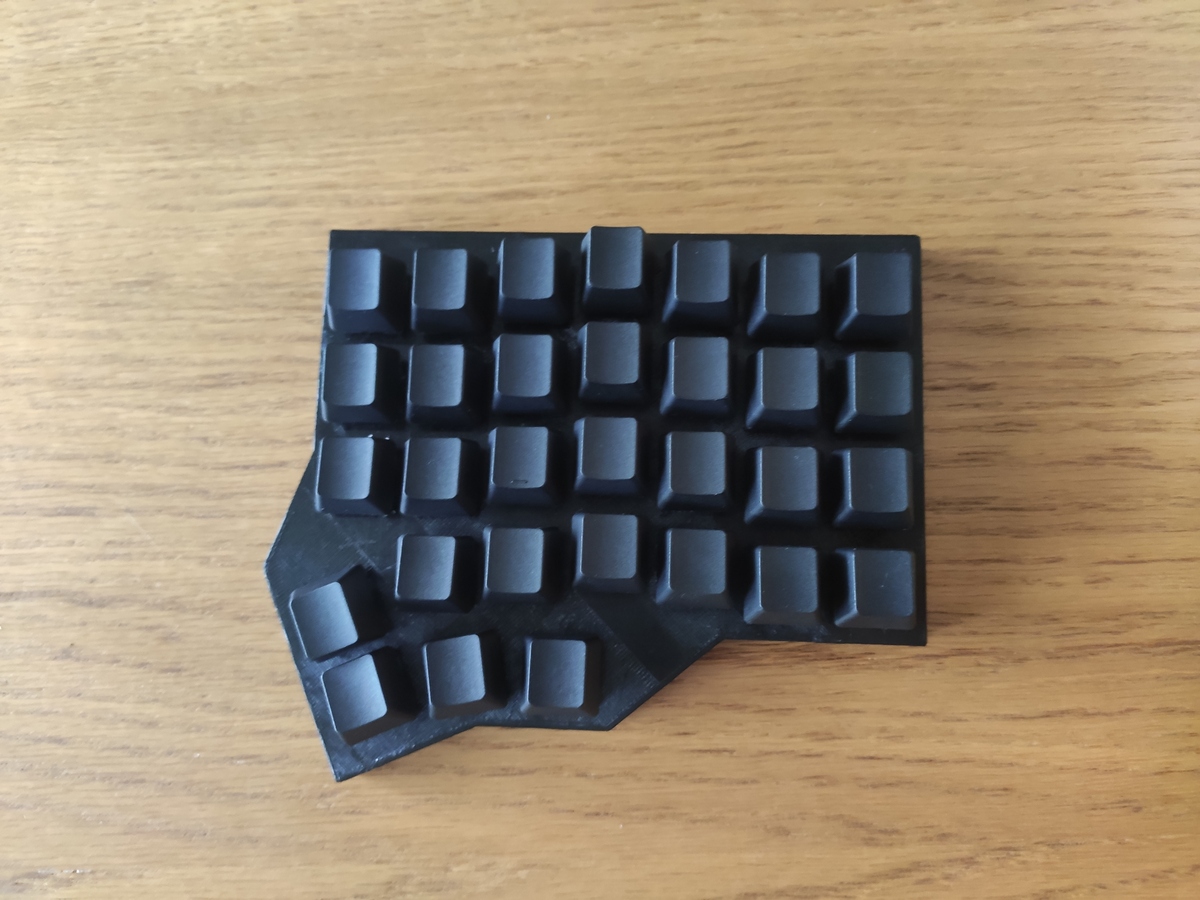
Not if you have a keyboard with easily reflashable and programmable firmware (such as the Moonlander). If the firmware has built in support for layers it becomes trivial as you can just have a QWERTY layer activate when you hold down ctrl etc (Moonlander also)
It's actually quite easy! Of course, I wrote my own firmware for the keyboard I use so I'm biased, but most mechanical keyboards out there support QMK/VIA these days which makes it quite easy to create custom layouts and "layers" that activate based on what modifier keys are pressed.
Creating that firmware was one of the most fun and satisfying projects I've worked on in a long time.
> many common commands (e.g. Ctrl-C Ctrl-V) are where they are because of their locations on a QWERTY keyboard
Is that a fact? I thought they were chosen because it's C for copy, X looks like a pair of scissors, and V looks like a downward arrow (for pressing what you're pasting down). Downward finger traversal (for X, C, and V) is worse than upward, which is worse than no traversal. If they were chosen for their location I'd expect S, D, and F to be used. Or perhaps J, K, and L. The only traversal that's necessary is to hit Ctrl with the opposite hand.
Anecdotal, but back when I had my typing requirement at an Air Force Base which trained all the services for a specific technical task the trainer observed that they had _never_ had a person fail to type out (min. 50 WPM) who had facility with a Dvorak layout.
FWIW, the shortcut issue can be avoided with something like QMK, which supports fancy layers and modifiers, and it places all of that in your keyboard itself
I only know QWERTY, given an unlabeled QWERTY keyboard I'd be able to type. If you have a different layout, that's a huge group of people you'd add to your "They"...